
Decide what to keep before you move
Make a list of what you’re taking. Ask family about the rest, then record what you’ll sell, give away or donate.
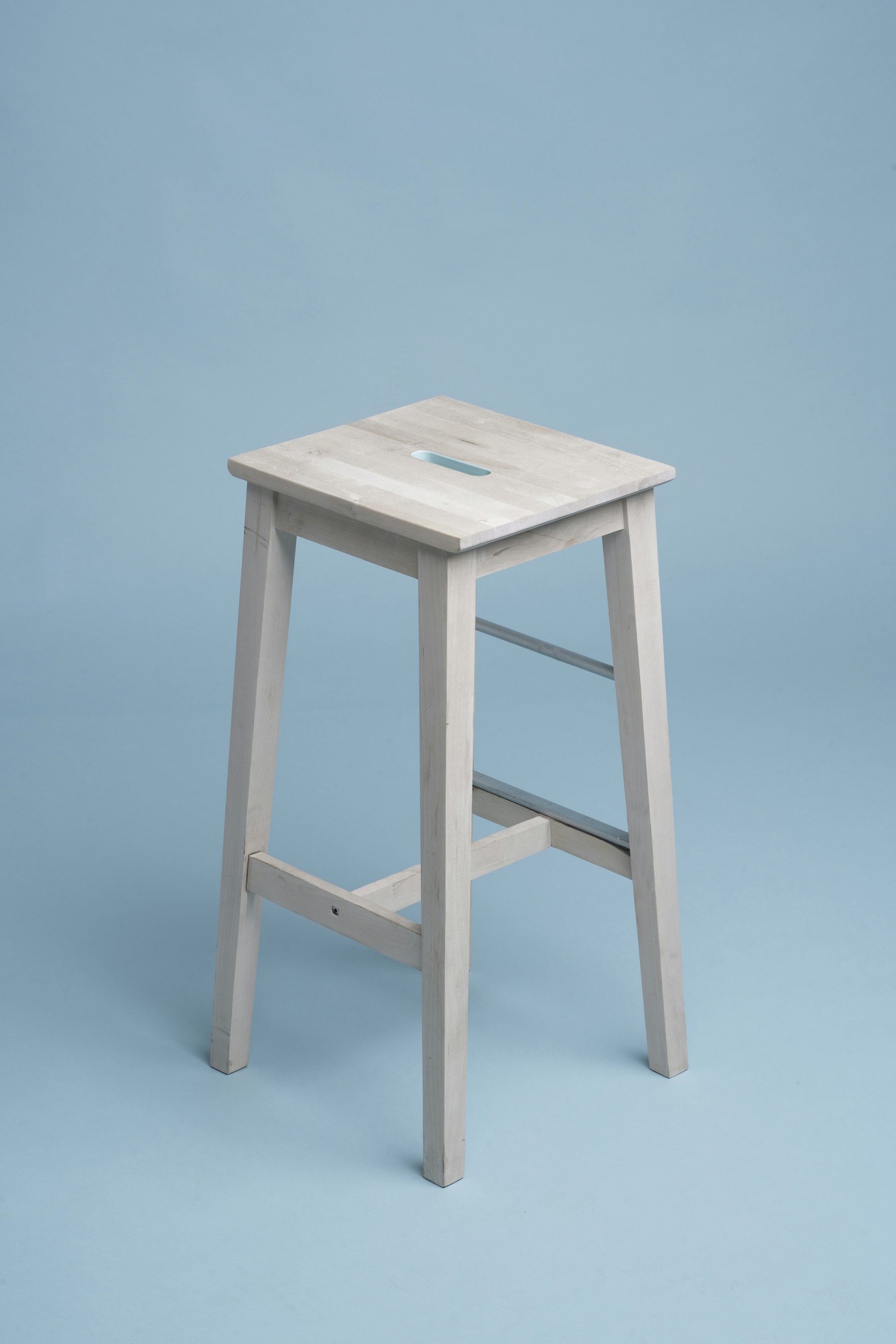
Make decisions while you still have time.
A photo gives you something specific to discuss. A note keeps the reasoning from getting lost. Family can tell you what matters to them, and the people helping with the move can work from the decisions you have recorded.
Plan what goes where
- Start one room at a timeUse your iPhone to capture the belongings you are considering. Add dimensions, condition or other practical details in the notes when they will help.
- Ask family before making arrangementsShare the relevant records and invite people to express interest. Discuss overlapping preferences and record the decisions you reach.
- Write down where things are goingUse notes to keep the plan with the item: coming with you, going to family, being offered for sale or being considered for donation. Add pickup details as arrangements are made.
- Give helpers an organized briefPrepare a report for a move manager, organizer, estate-sale company or family member. Review the belongings and practical questions together.
Work with the right person
An inventory can help an organizer or sale company understand the scope before visiting. Use the report to discuss the work; availability, quotations and arrangements are agreed with the provider.
Prepare for professional helpCommon questions
Do I need to catalogue the whole house first?
No. Start with a room, a category or the belongings you are most unsure about. Build the inventory as the decisions become useful.
Can I keep a memory of something I let go?
Keep the photos and story in the record, and note what happened to the item so the context remains clear.
Related use cases
See how to start an inventory
A useful first step
Make a starting plan for your moveNew app subscriptions and trials are currently closed. These guides and tools are free to use. Explore the product walkthrough or contact us about access.